



Zero Typing. Just Scanning.

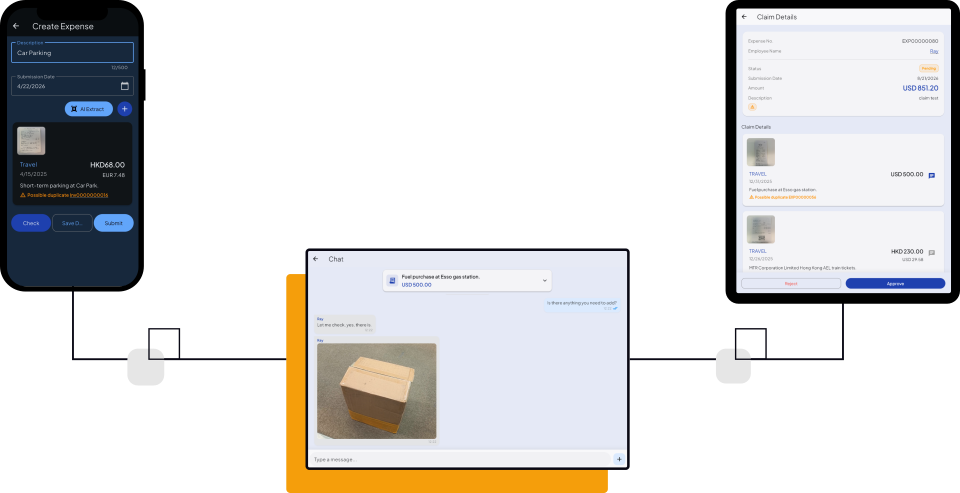
The AI-Powered Solution.
As its name implies, Expense Claim Air for SAP Business One is a solution that uses AI to refine and accelerate the process of expense claims for staffs and managers.Appliers can enter claims easily with AI scanning, while Approvers can discuss with appliers with built-in chat function before approving.
Request Demo
How do you submit your claims?
The Old Way...
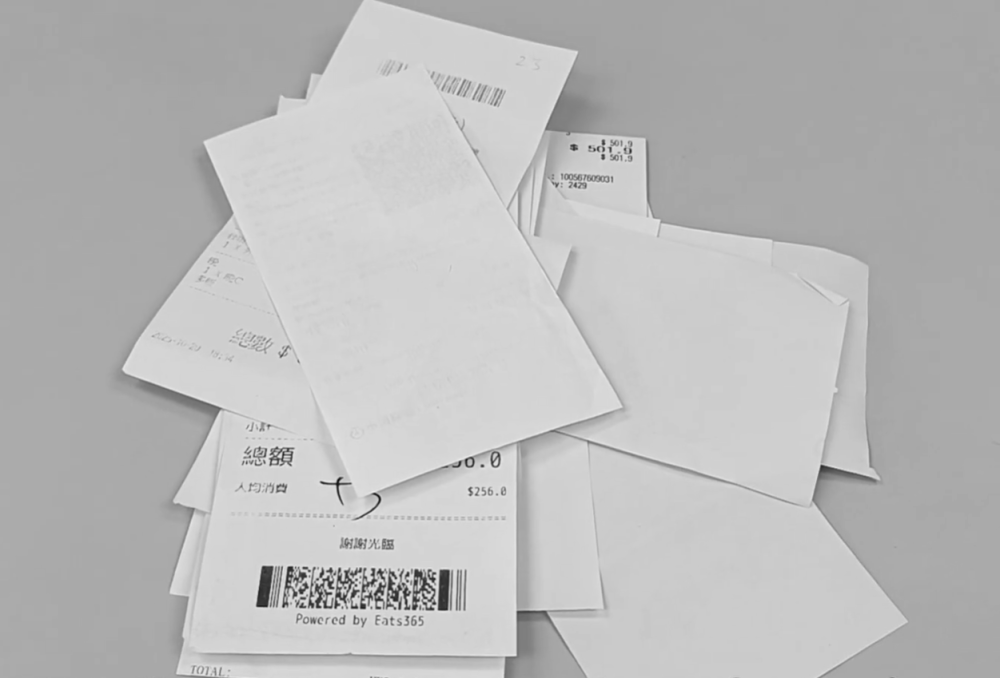
- Forgot/Lost receipts
- manual data entry
- endless email chains
- month-end stress...
- Receipt Texts easily faded
- The decision of all claims are behind.
- The expense are behind with the sales performance.
- Timing mis-match.
The A-Plus Way
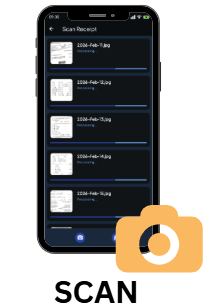
Snap a photo, AI extracts data.

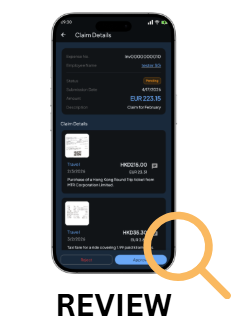
Manager views the claim and receipt side-by-side.
Approve or Reject in one click.
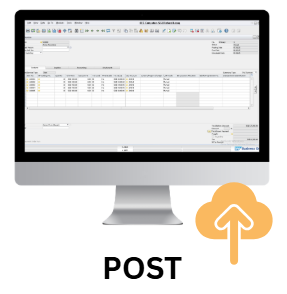
Data syncs instantly to SAP B1.
No more manual entry.
6 Points of Expense Claim Air
Mobile Apps – Record when u Spend
Everyone have smartphones to record the expense on the spot, eliminating the chance of “Forgetting”.
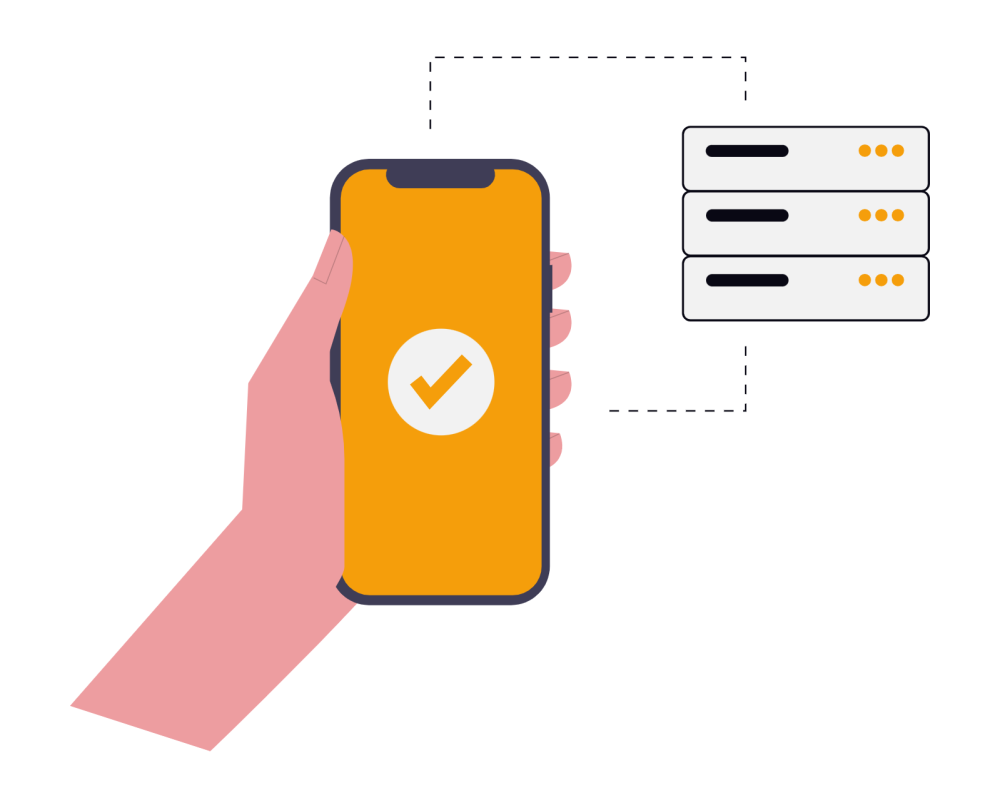
Zero Touch

Automatic Detection by AI
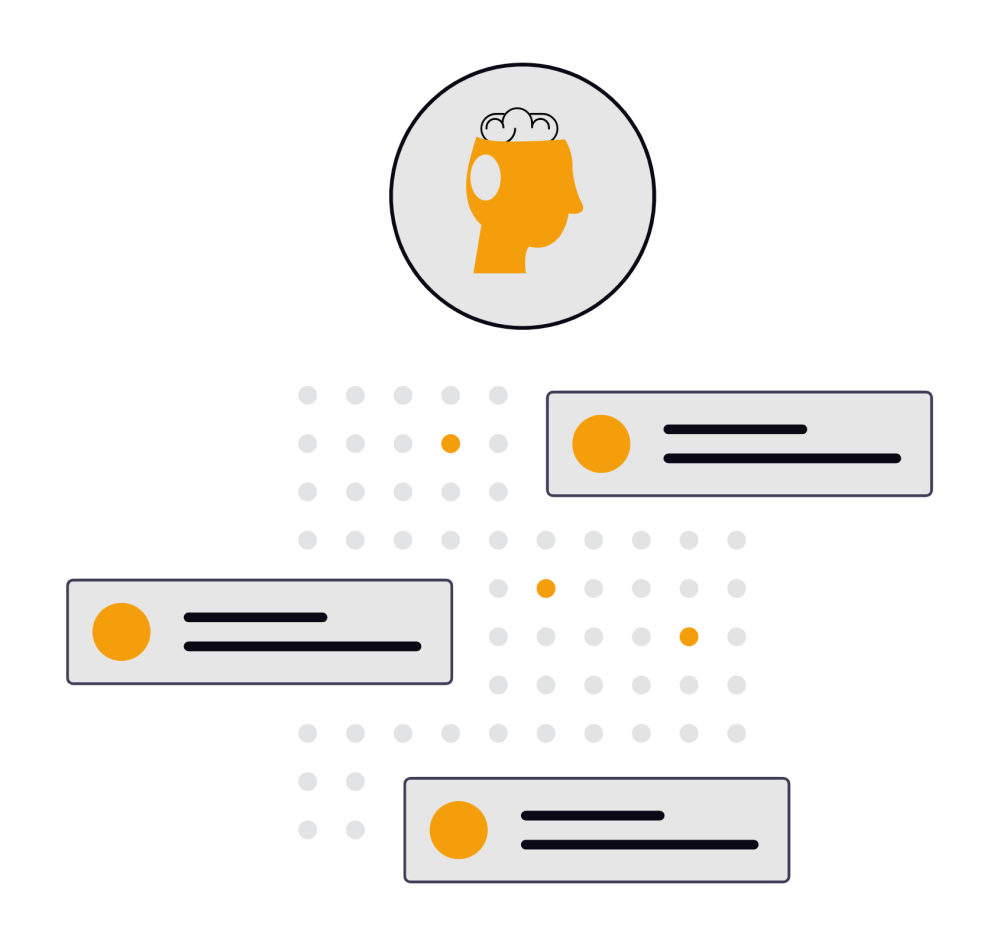
- Expense Claim Type
- Expense Description
- Currency
- Tax Authority
- Internal Credit Card Usage
Claim Budget Rules
The app features a Query Base to configure approval conditions, such as:
- By Expense Claim Type
- By Department
- By Position
- Approver

Chat and Approve

Integrated with SAP B1
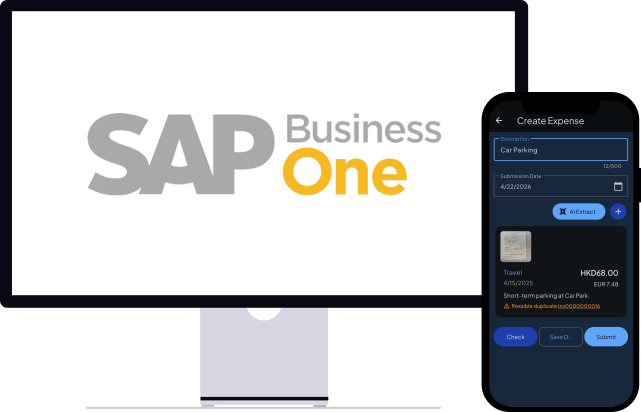
This enables inquiry of Expense claim for both Frontend and Backend.